Introducing clihub.com to the world — a new solution that bridges CLI tools and MCP (Model Context Protocol), making command-line power accessible through a unified hub. Turn any CLI into an MCP-ready interface, seamlessly.
우리는 세상의 특이점을 맞이하고 있습니다. 해당 프로젝트는 기본적인 아이디어를 가지고 AI툴을 사용하여 5시간만에 만들어졌습니다.
- Purpose of Development: Backtest for System Trading Strategy
- Schematic Design:
[entry point] main_backtest.py └─[GUI Application] sub_backtest_viewer_app.py └─[Indicater Tests] sub_backtest_strategies.py- Functional Details:
python main_backtest.py
└─ sub_backtest_viewer_app.main()
        │
        ├─ DataLoader (Binance Futures API)
        │       │  OHLCV Candle List
        │       │  + calc_rsi / calc_macd / calc_ema
        │       │  + build_ssi_df()
        │       │    (efi, volume_ma, etc)
        ├─ StrategyExecutor
        │   ├─ execute_ema_strategy()
        │   ├─ execute_rsi_strategy()
        │   ├─ execute_macd_strategy()
        │   └─ execute_ssi_strategy()
        │       │  List[TradeSignal]
        │
        ├─ ChartWidget
        └─ SignalTableWidget
- 목적
- 프로젝트마다 Session 및 Workspace 격리
- 시스템 프롬프트 경량화
- Subagent 구성 사례
- Awesome Claude Code Subagents [Link]
- 기본적인 설정 방법
- 새 Discord Bot 추가
- 새 Agent 추가
openclaw agents add agentname1 openclaw agents add agentname2- .config에 계정/바인딩 추가
channels: { discord: { accounts: { default: { token: "XXX" }, agentname1: { token: "XXX" }, agentname2: { token: "XXX" } } } } bindings: [ { agentId: "light-speed", match: { channel: "discord", accountId: "default" } }, { agentId: "agentname1", match: { channel: "discord", accountId: "agentname1" } }, { agentId: "agentname2", match: { channel: "discord", accountId: "agentname2" } } ]- 재시작 & 확인
openclaw gateway restart openclaw agents list --bindings- Agent간 협엽 설정(.config)
tools.agentToAgent.enabled: true
Requirements:
- People
- Advisors
- Reviewers
- Resources
- IP (Domain)
- Identity (Service Name)
- Foundation of something official
- Place (for a business address)
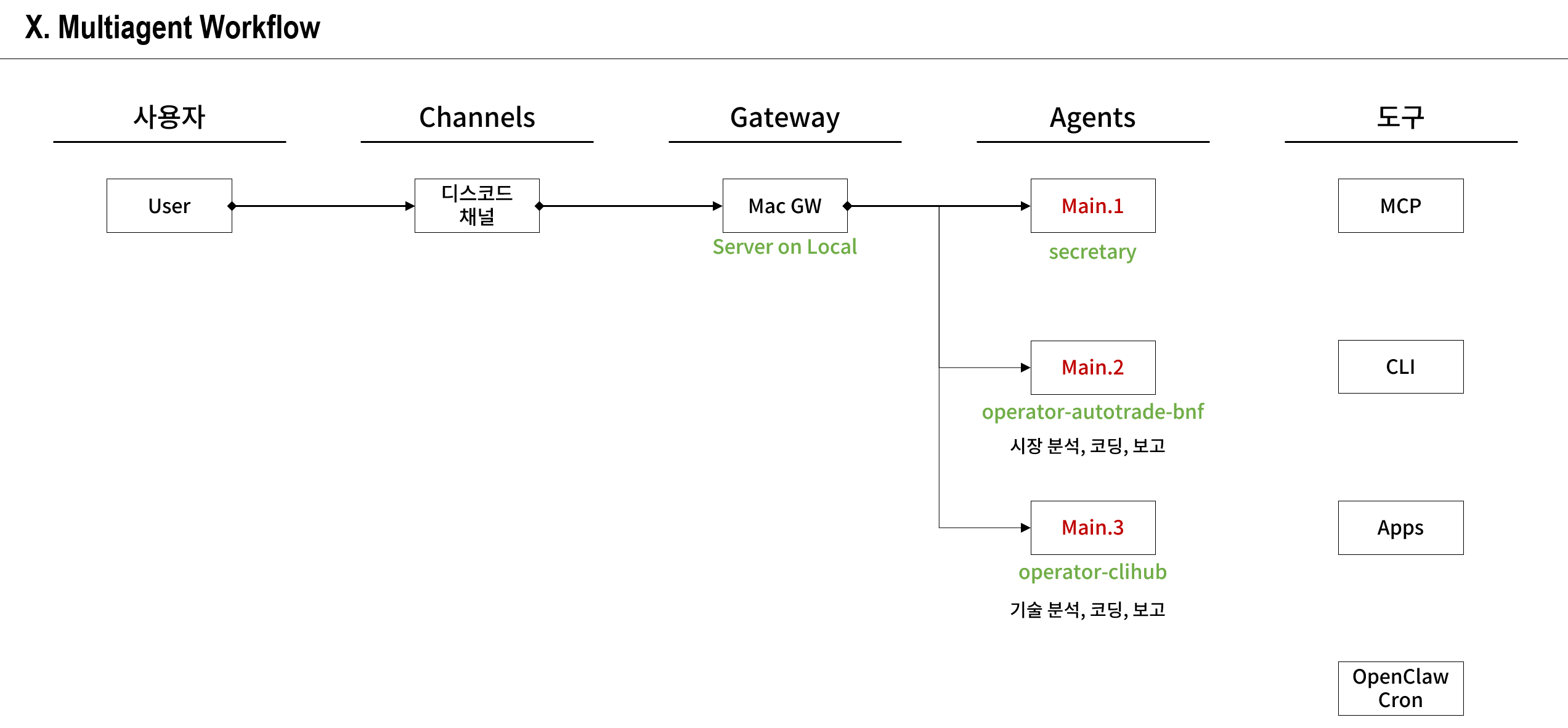
- Server on Mac Mini
- Document works…
- Overall process
- Tax problems
- Inquiry via the company HR team
- Definition of Development Roles
- Objective is to establish workflow transparency
- Designer
- Coder
- Reviewer
- Workflow
- Workflow structure
- Design
- ???
- ???
- Project Management (WBS, Gantt Chart)
- Daily and monthly work cycles
- Channel device for direct reviews (not a phone)
Under preparation of the followings:
- Machine for AI (Macbook Pro 2016)
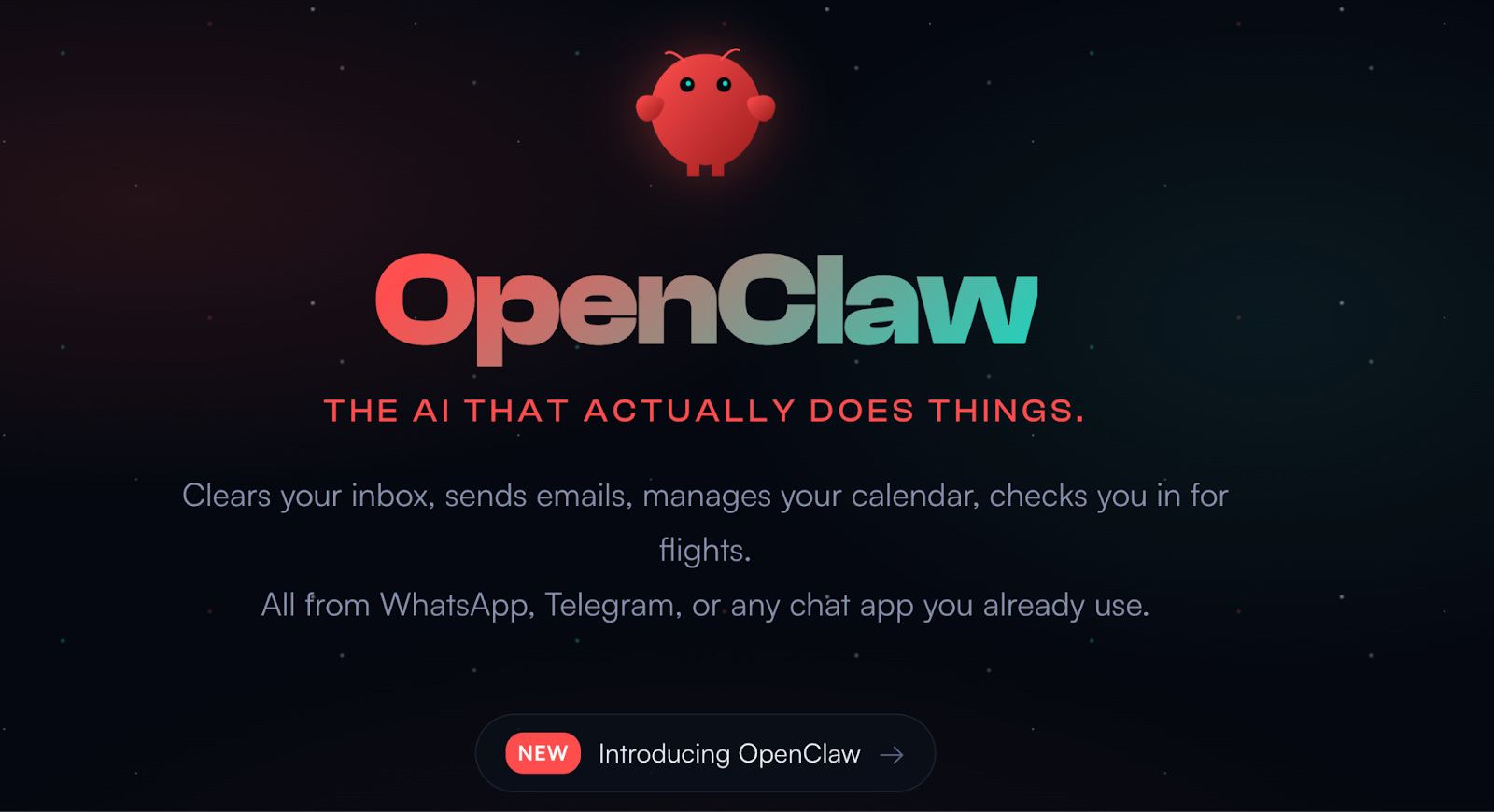
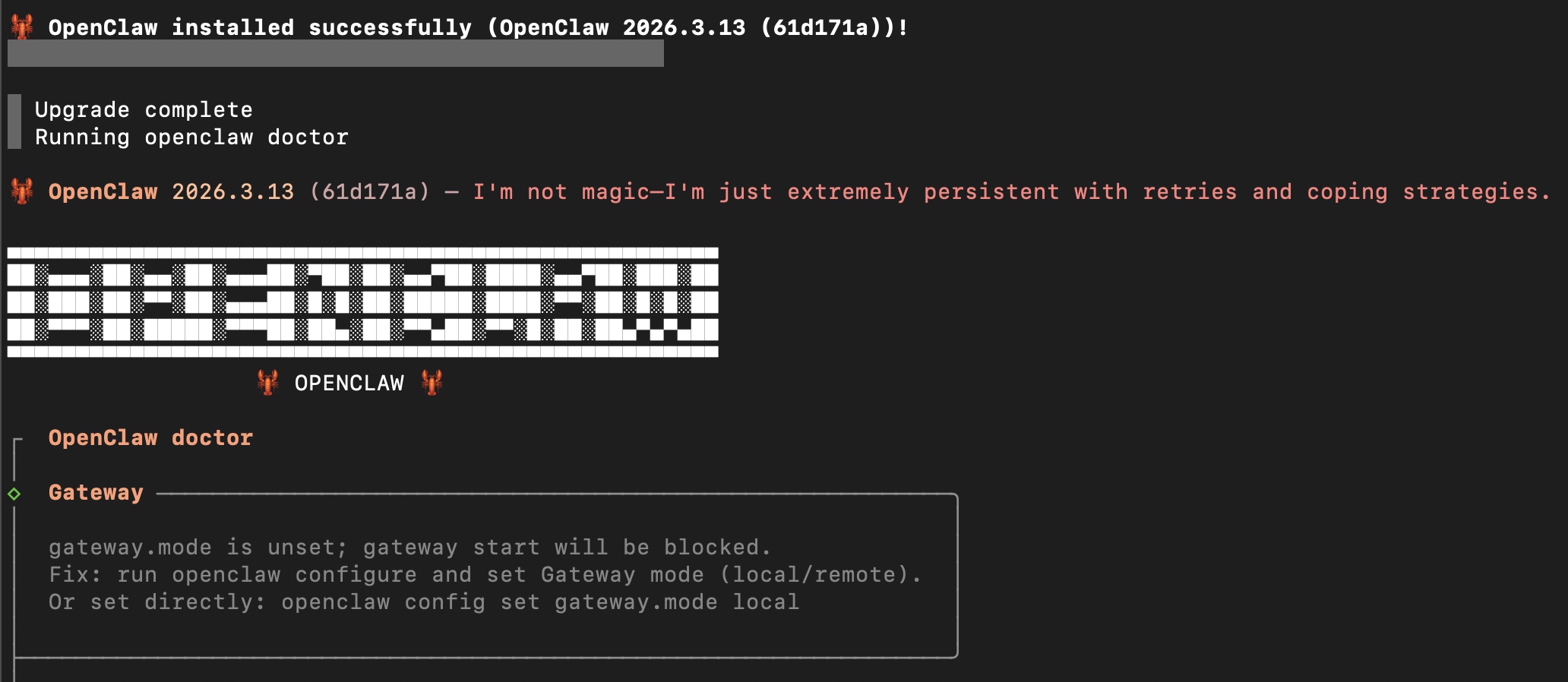
- AI Agent (OpenClaw)
- Installation: [Link]
- Configureations: Gateway Auth, Permissions (700), Session Store, Plugins, Memory Search, Channel
- To allow OpenClaw to use GitHub Copilot CLI:
- Activate GitHub Copilot subscription
- Install GitHub CLI [Link]
- Install OpenClaw
- Configure OpenClaw Provider: In OpenClaw’s configuration, select the built-in github-copilot provider
- Authenticate via GitHub CLI: The integration relies on authenticating your GitHub account through the standard GitHub CLI process.
- How to add an agent: [Link]
- CLI Applications (Lists)
- Google Cloud CLI: [Link]
- Channel
- iMessage
- Discord
- Notes
- Blog 1 [Link]
- Making a Workflow
The concept of program development.
Built a personal GitHub profile page.
Built a planar matching demo, which is driven with key-point matching (ORB or BRISK method) and homography method.
Built a student community site for Kyoto University Korean Student Association. The project was built with WordPress (Framework), AVADA (Front Theme), and Hostinger (DB, Host Server).
The development concept idea at the initial stage of the project.
The introduction of the parallel computation solution for the part of web application.
Presented reviews on recent power conversion technology based wide band gap semiconductor solutions. The talks cover the principles and potential risks to be considered in terms of development.
Details are classified out of the company policy.
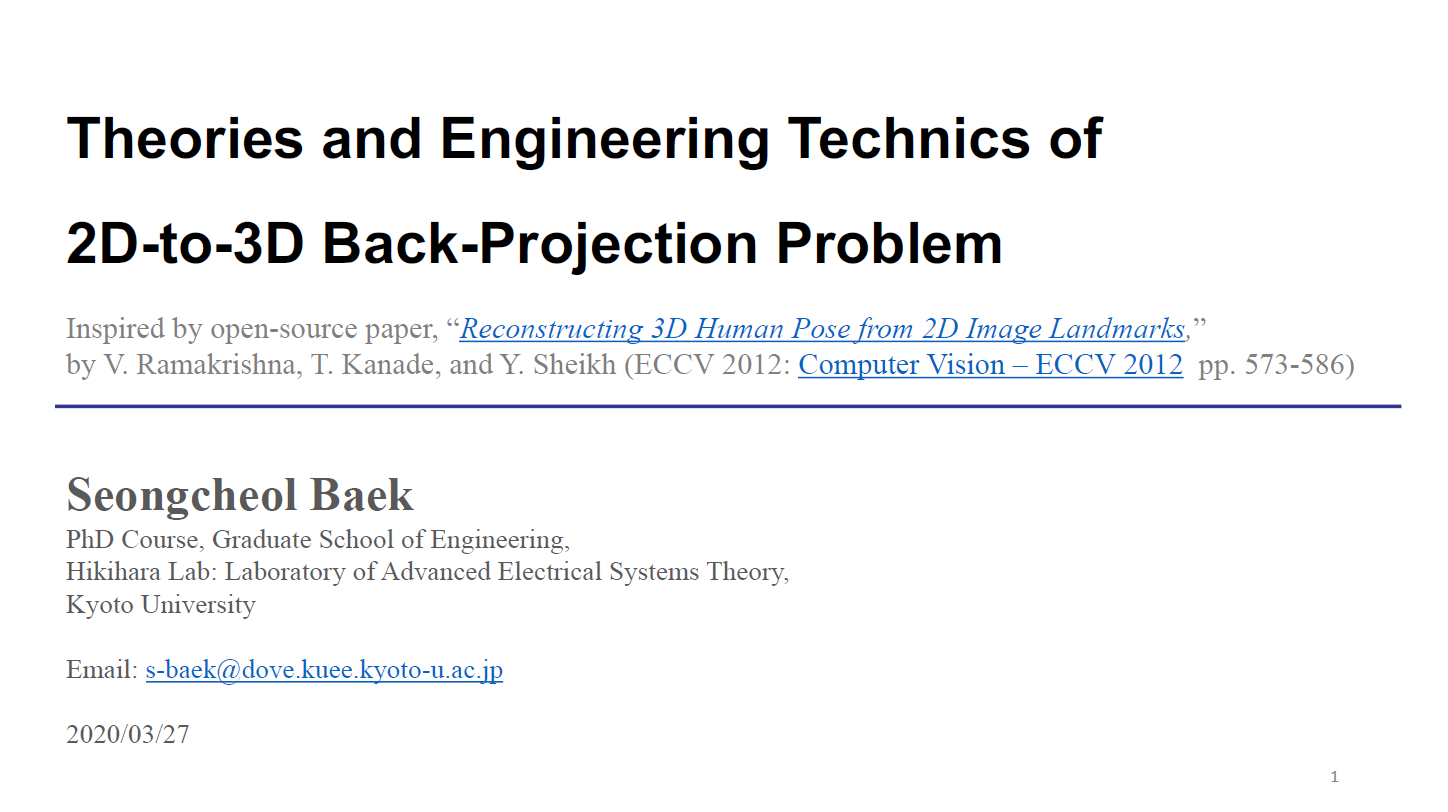
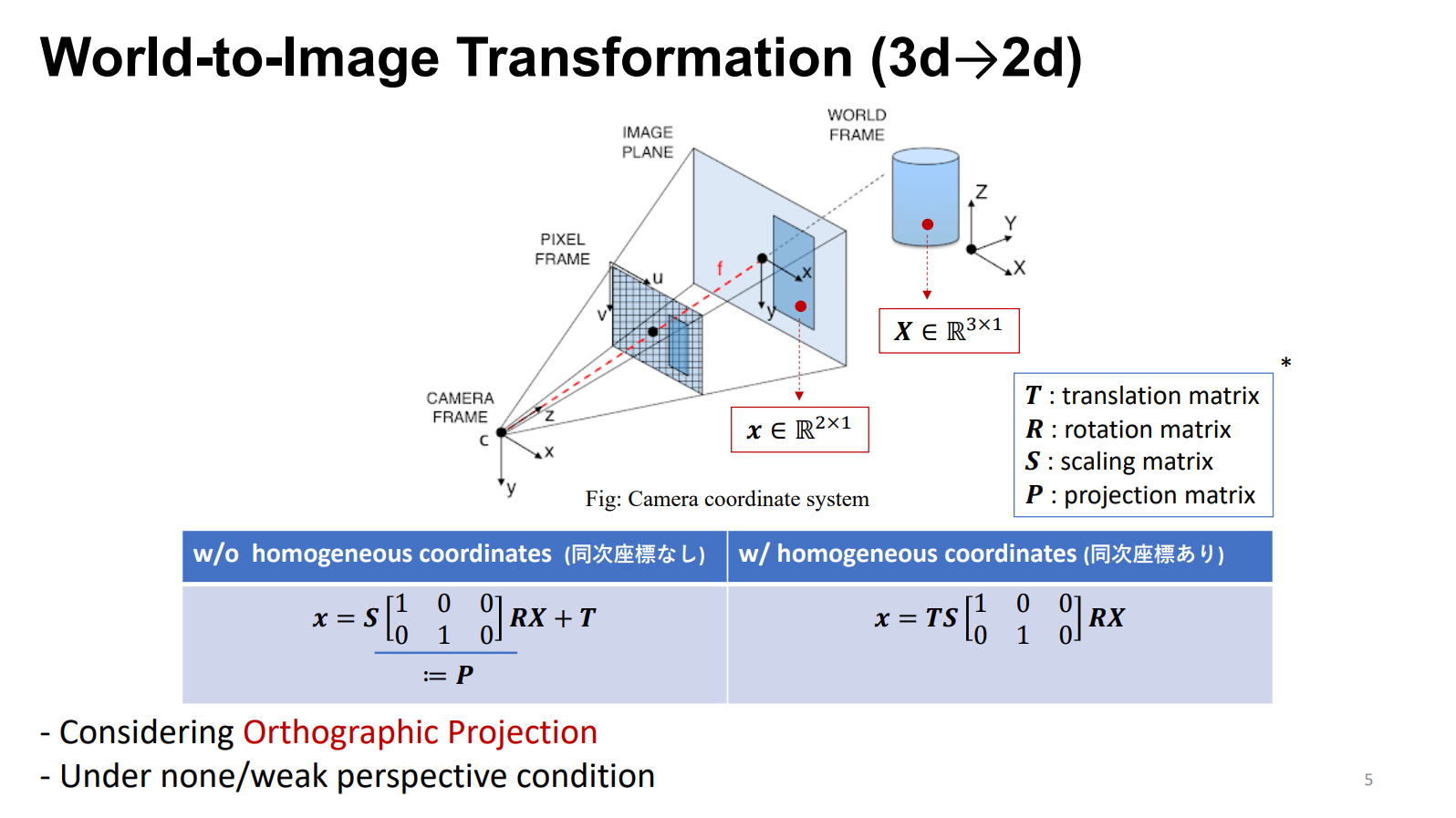
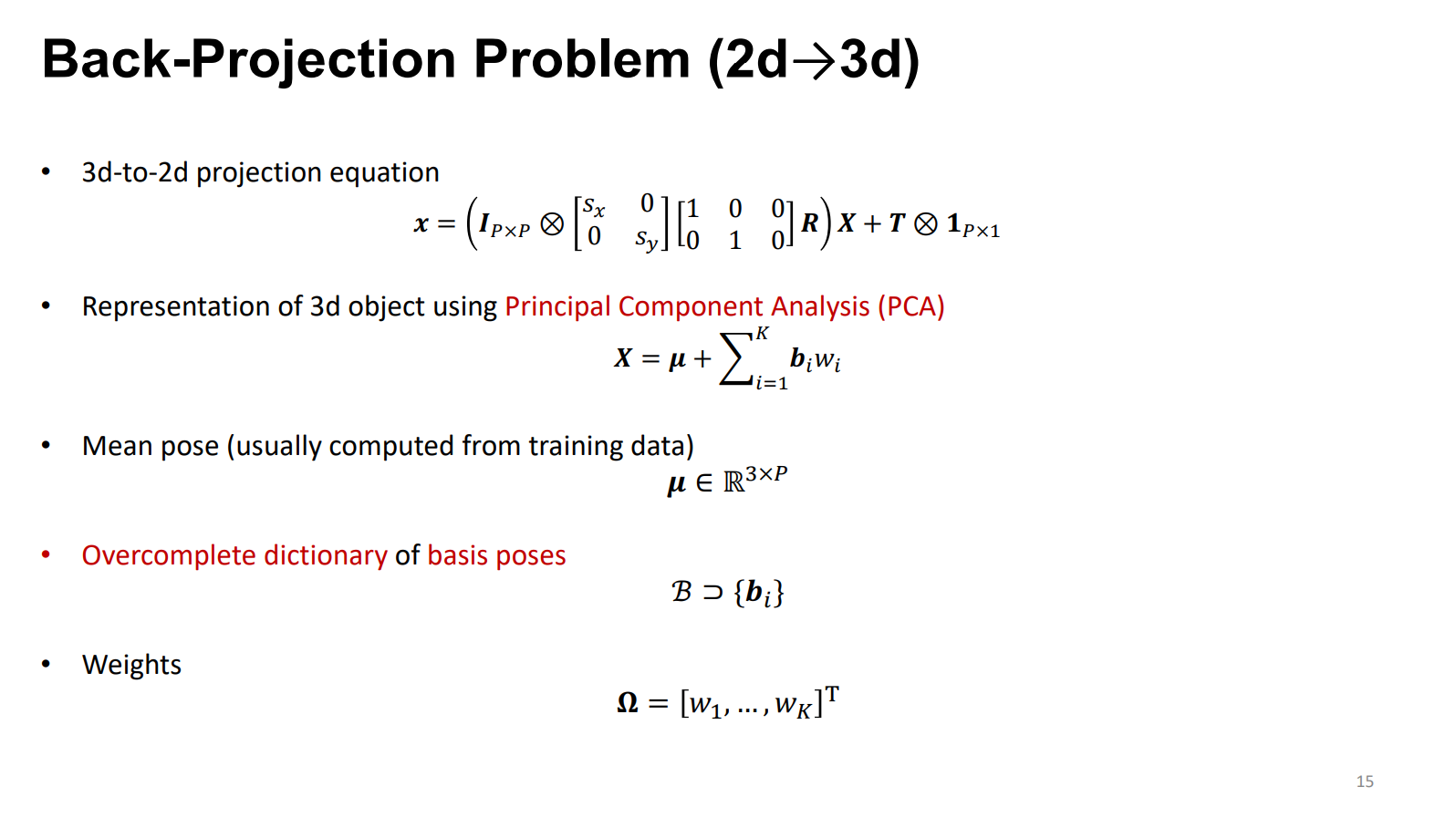
Presented “Theories and Engineering Techniques of 2D-to-3D Back-Projection Problem”.
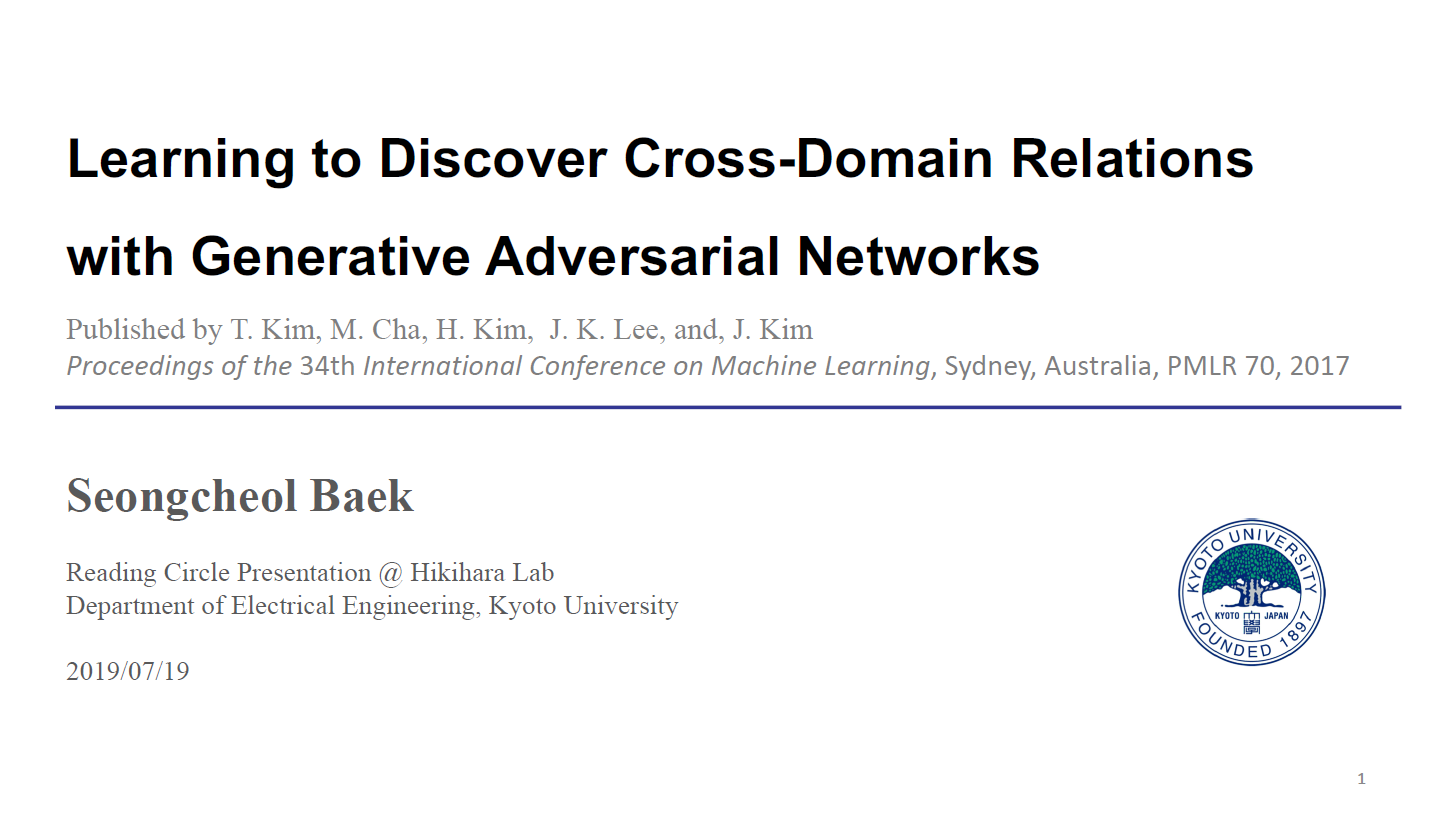
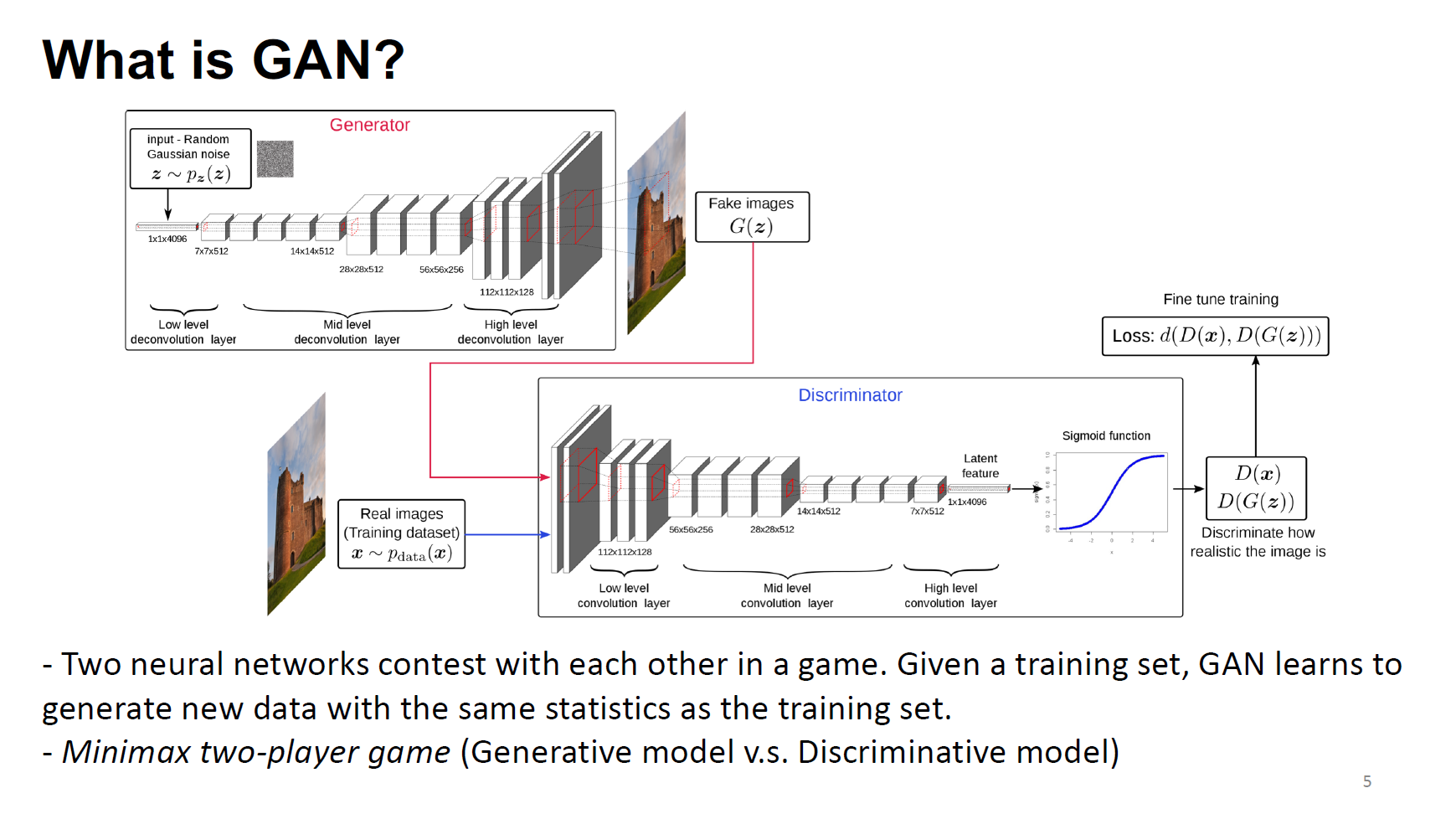
Presented “Introduction of DiscoGAN” along with the study on theoretical background of GAN algorithm.